Fleet Tracking
Opening Your Space
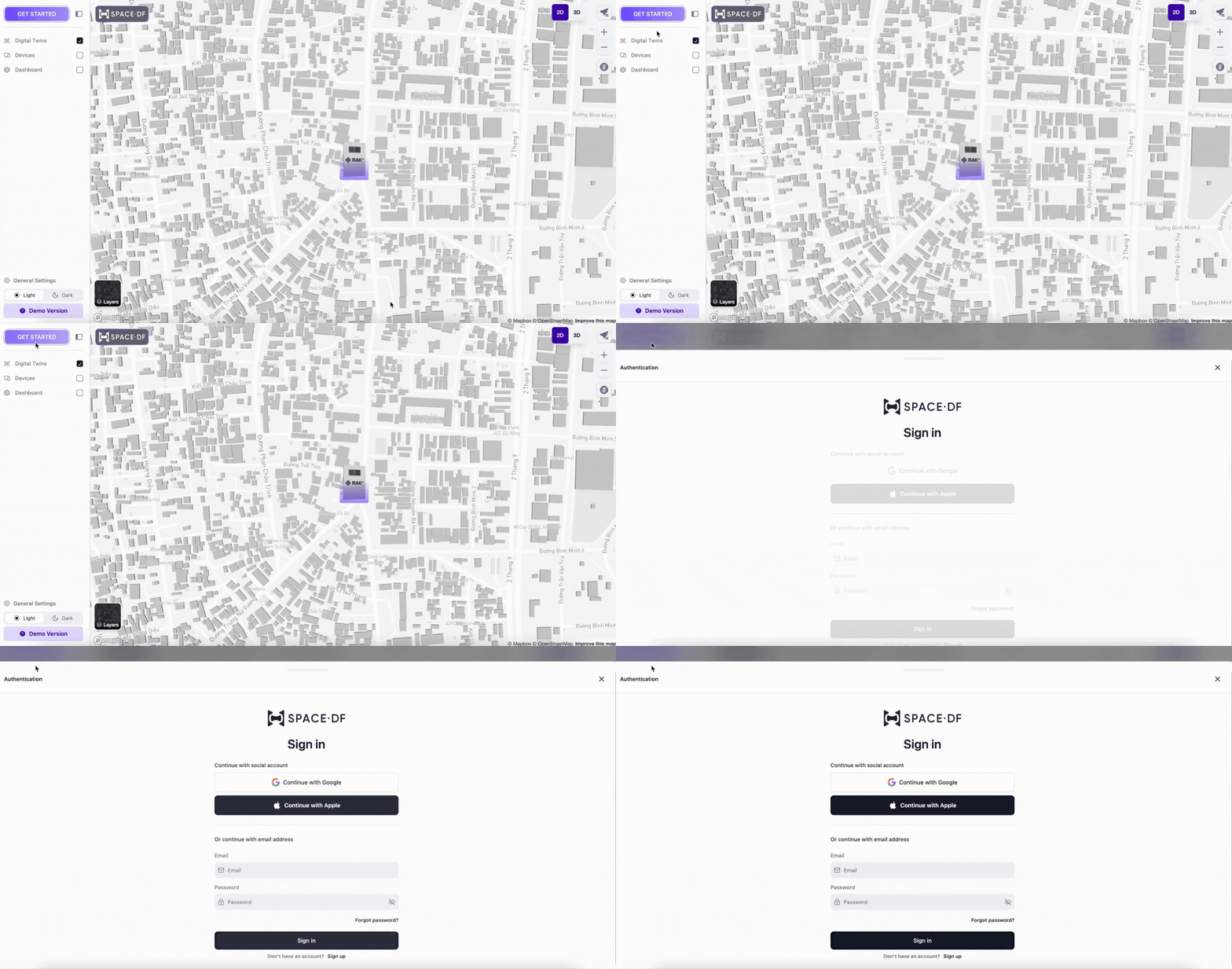
- Open Space URL: In your workspace, click on your organization’s URL slug name
- Access Space Site: The space site will open automatically
- Sign In: Choose “Get Started” to sign up or sign in
- Select Sign Up if you don’t have an account
- Select Sign In if you already have an account
- Use the same email/password or Gmail account from the organization site
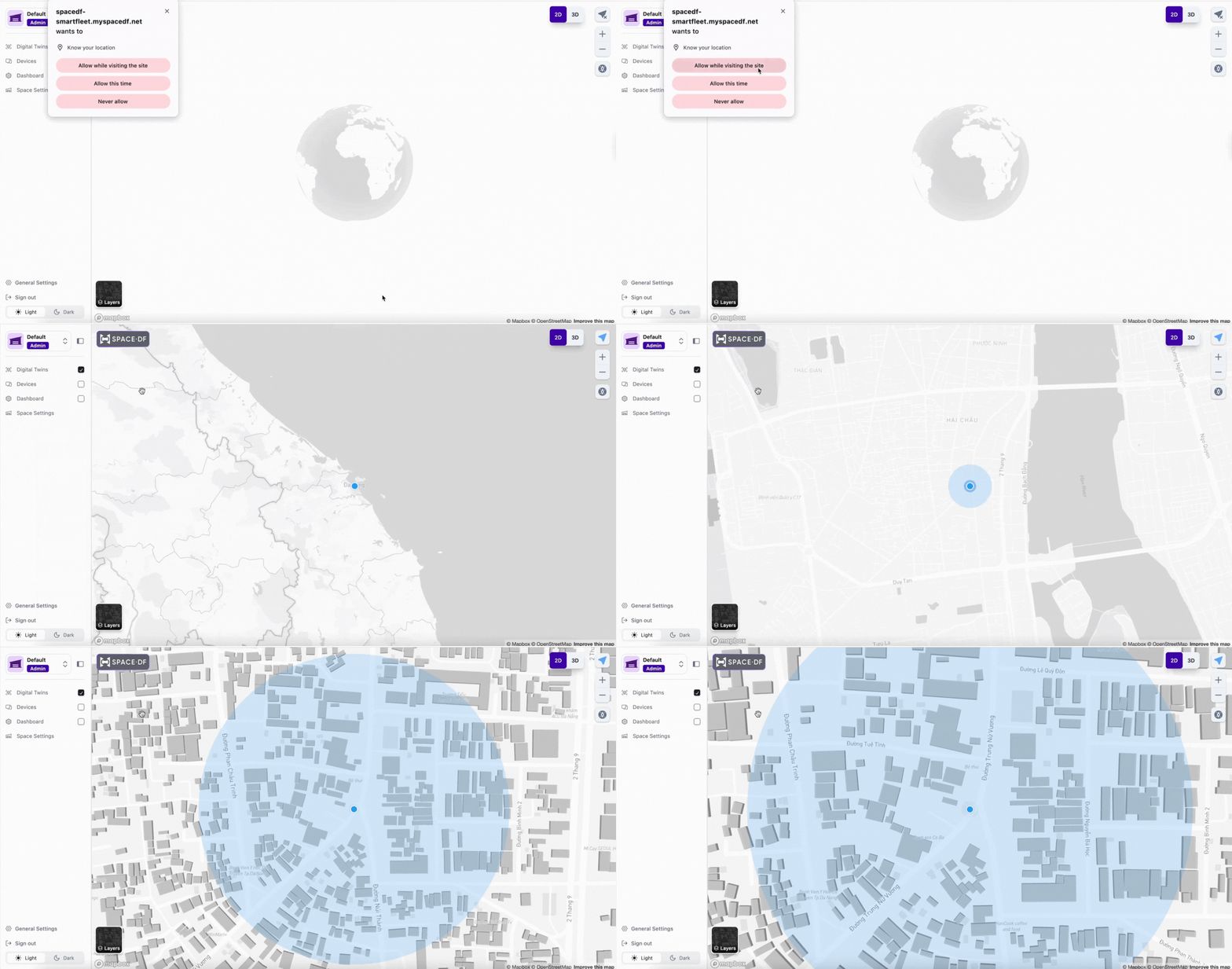
Enable Location Services
- Allow Location Access: When prompted, choose “Allow” to enable location-based features and improve your experience
Last updated on